Where do I find my LNbits API keys?
TL;DR
Every LNbits wallet has its own pair of API keys:
- Admin key - full access (send, receive, read, manage). Treat it like a password.
- Invoice / read key - watch & receive-only. Safe to give to services that just need to create invoices or read the balance.
You find both by opening the wallet and clicking API info.
Step-by-step
1. Open your wallet
Log in to your LNbits instance. The **left sidebar** shows every wallet in your account. Click the one you want the keys for.
Heads-up: each wallet has its own keys. A key from *Wallet A* will not work for Wallet B. If you create a new wallet later, it ships with a brand-new pair of keys.
LNbits overview:
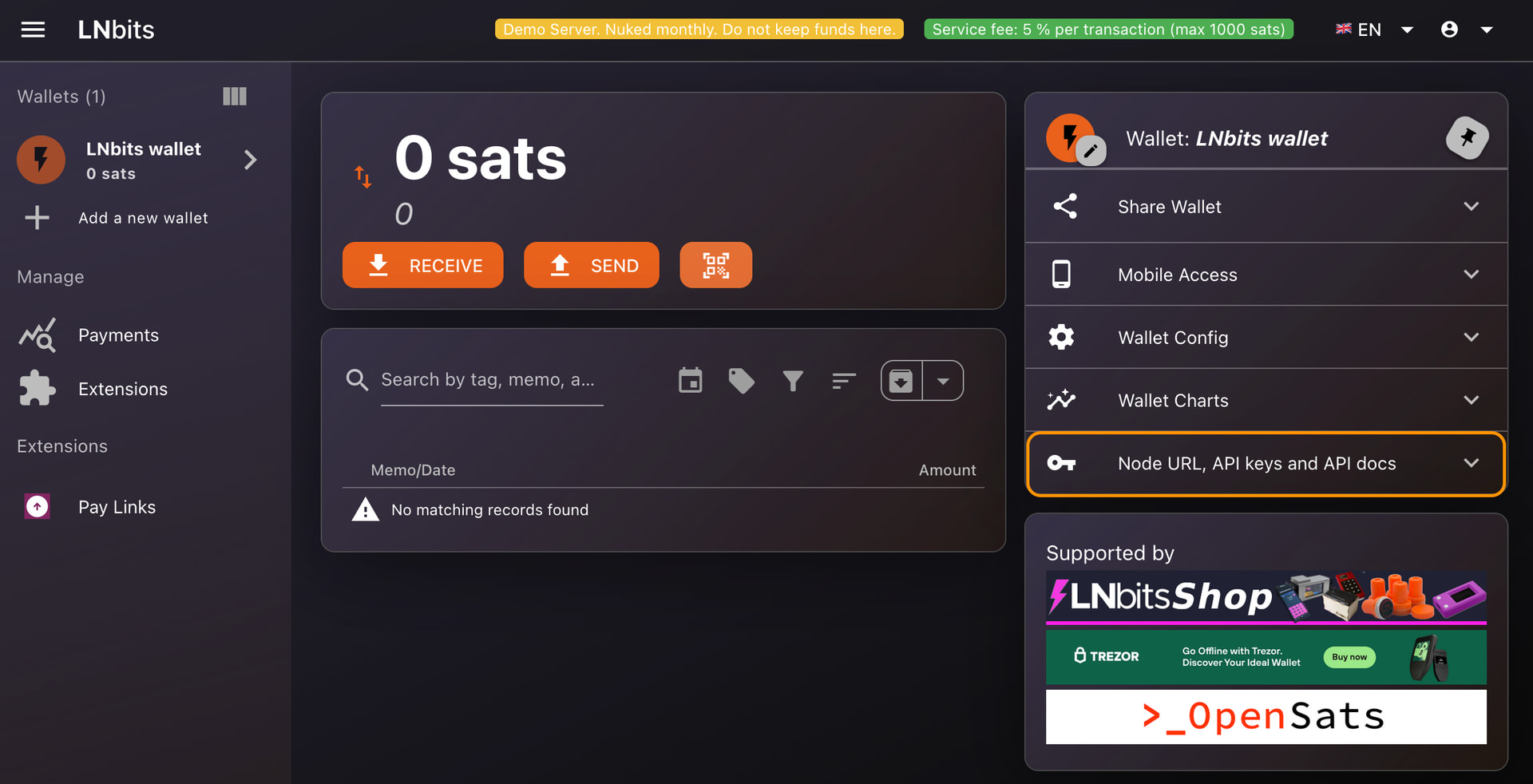
Screenshot 1: The main LNbits interface. The Area on the left is where your wallets live - click one to open it.
2. Click “API info panel”
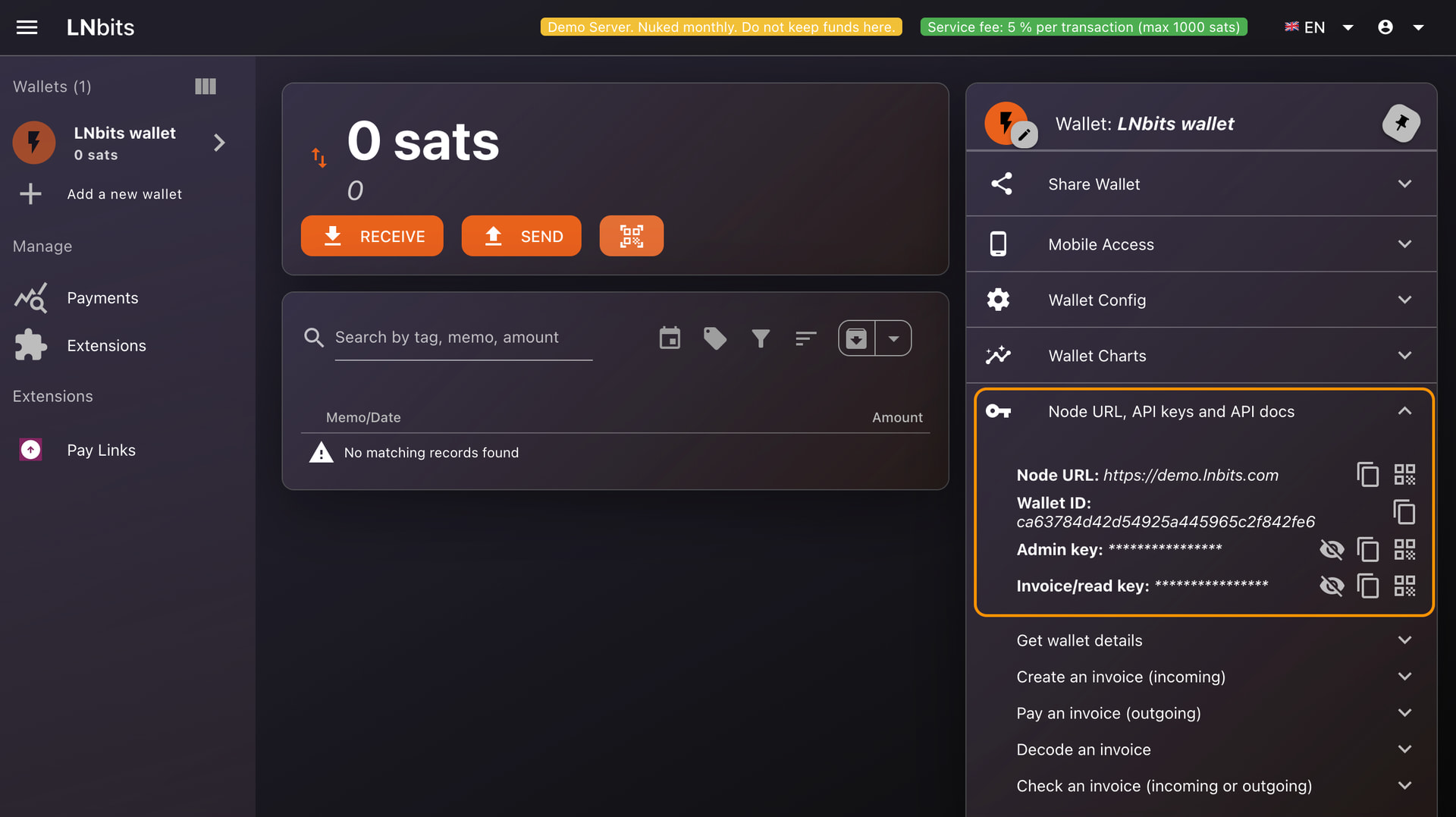
Clicking it expands a panel with everything you need.
API info panel showing Admin key, Invoice key, Wallet ID, and API base URL:
Screenshot 2: The API info panel. From here you can reveal, copy, and see what each value is used for.
3. Reveal and copy
- Click the eye icon to reveal a key
- Click the copy icon to put it on your clipboard
- Click the QR-code icon to open Scanning functionallity
Security do’s and don’ts
 Do
Do
- Keep the Admin key on your server, in a `.env` file or secret manager
- Use the Invoice key for anything public-facing
- Create a separate wallet for each project - if a key leaks, the blast radius stays small
- Rotate keys if you suspect a leak (delete the wallet and create a new one; there is no in-place rotation yet)
 Don’t
Don’t
- Paste the Admin key into browser JavaScript, mobile apps, or public HTML
- Commit keys to Git - use .env files and .gitignore
- Post screenshots of your API info panel - even partial keys can leak
- Share the Admin key in chat, email, or tickets (NEVER DO THIS!!!)
More reading
- Full guide: API Keys | LNbits
- Wallets & Accounts: Wallets & Accounts | LNbits
- Security best practices: Security | LNbits
Questions? Reply below or drop into the [Telegram group]( Telegram: View @lnbits ).